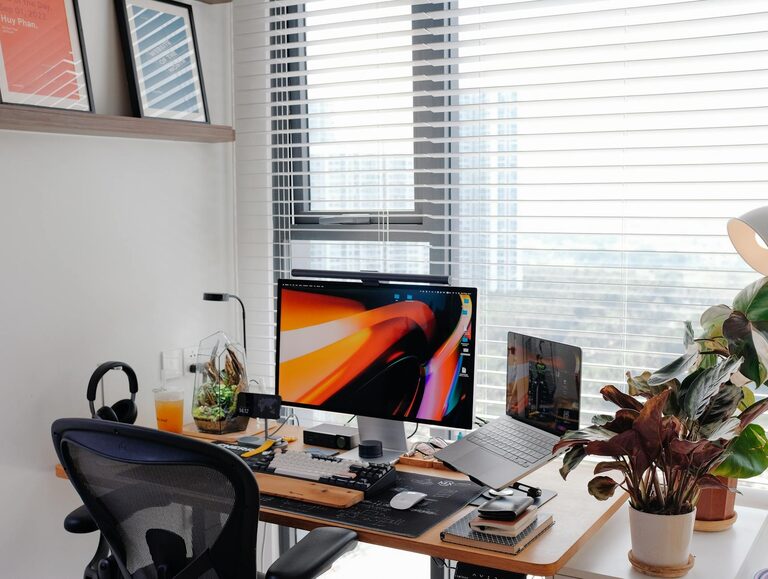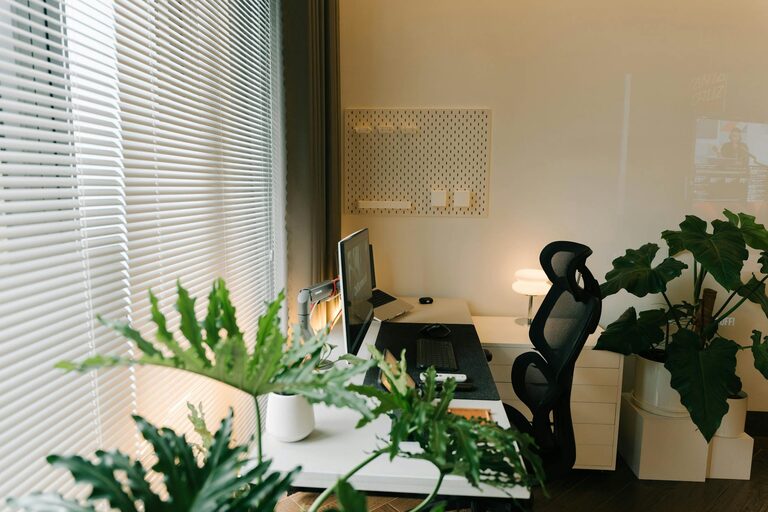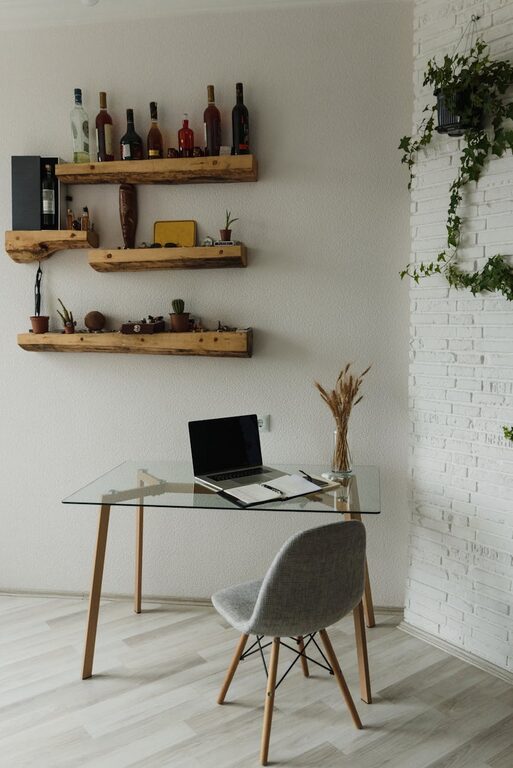
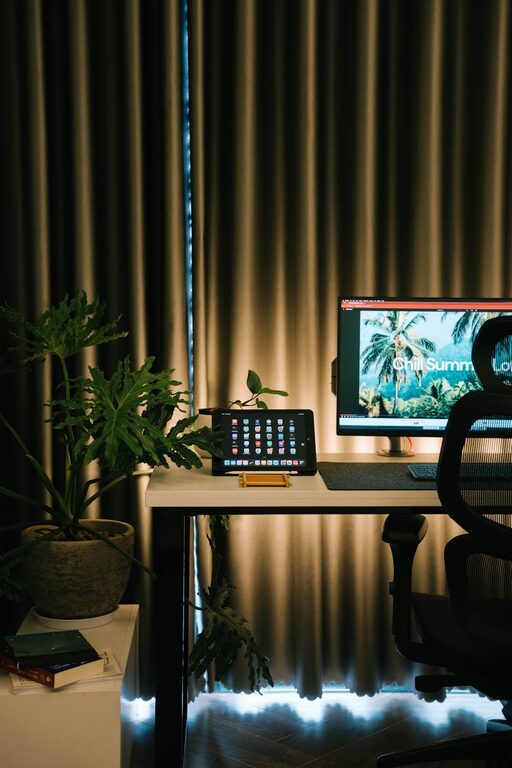
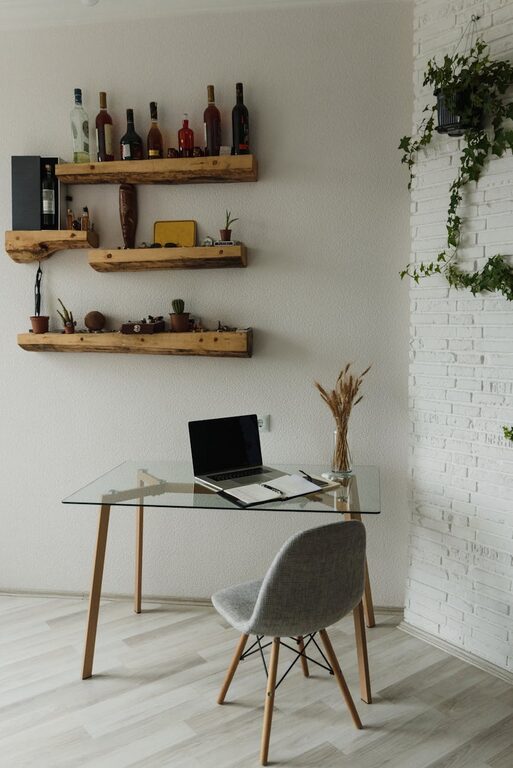







Creating a productive home workspace is essential for anyone who works remotely or spends a significant amount of time on personal projects. A well-organized and thoughtfully designed workspace can help improve focus, reduce distractions, and increase overall work satisfaction. Whether you’re starting from scratch or looking to improve your current setup, these tips will guide you in creating a home workspace that supports productivity and well-being.
Choose the Right Location
Selecting the right spot for your workspace is the foundation of productivity. Ideally, pick a quiet area with minimal foot traffic and distractions. A corner of a spare room, a section of the living room, or even a dedicated nook near a window can work well.
– Natural light: Position your desk near a window to benefit from daylight. Natural light boosts mood and reduces eye strain.
– Away from distractions: Avoid placing your workspace near the television, kitchen, or busy family areas.
– Adequate space: Ensure the area has enough room for your desk, chair, and any necessary equipment.
Invest in Ergonomic Furniture
Comfort plays a major role in maintaining productivity throughout the day. Ergonomic furniture helps prevent discomfort and physical strain.
– Desk: Choose a desk that fits your space and allows enough surface area for your computer, documents, and accessories.
– Chair: Invest in an adjustable chair with lumbar support to maintain healthy posture.
– Adjustable setups: Consider a sit-stand desk or monitor stands to change positions and reduce fatigue.
Organize Your Workspace Efficiently
Clutter can be distracting. Keeping your workspace organized helps you stay focused and saves time searching for items.
– Use storage solutions: Desk organizers, filing cabinets, and shelves keep supplies and documents tidy.
– Keep essentials close: Store frequently used items within arm’s reach to minimize unnecessary movement.
– Cable management: Use clips or sleeves to keep cords neat and prevent tangling.
Personalize Your Space (Without Overdoing It)
A workspace that reflects your personality can be motivating, but avoid excessive decoration that can cause distraction.
– Add plants: Small plants improve air quality and create a calming environment.
– Inspiration: Hang a vision board, motivational quotes, or artwork that energizes you.
– Comfort items: Use a cozy throw or cushions to make your chair more comfortable.
Optimize Lighting
Proper lighting reduces eye strain and keeps you alert.
– Natural light: As mentioned, natural light is ideal. If this is not available, use good-quality artificial lighting.
– Task lighting: A desk lamp with adjustable brightness helps focus on detailed work.
– Avoid glare: Position screens and lights to minimize glare on your computer monitor.
Minimize Digital Distractions
Digital interruptions can severely impact productivity. Setting boundaries helps maintain focus.
– Notification management: Turn off non-essential notifications during work time.
– Use productivity tools: Apps that block distracting websites or organize tasks can help you stay on track.
– Separate personal and work devices: If possible, use different devices for work and personal activities.
Set a Routine and Boundaries
Creating a routine helps your brain switch into work mode, while boundaries protect your work time and space.
– Consistent work hours: Try to start and finish work at the same time daily.
– Breaks: Schedule regular breaks to move, stretch, and relax.
– Communicate boundaries: Inform family or housemates about your work schedule to minimize interruptions.
Maintain Cleanliness
A clean and tidy workspace promotes mental clarity and efficiency.
– Daily cleanup: Spend a few minutes each day organizing your desk.
– Weekly maintenance: Wipe down surfaces and declutter regularly.
– Digital cleanup: Organize files and emails to keep digital clutter manageable.
Utilize Technology Wisely
The right technology can enhance your workflow but avoid overloading your workspace.
– Reliable internet: A strong and stable internet connection is crucial.
– Essential devices: Use devices that meet your work needs without excess distractions.
– Backup solutions: Use cloud storage or external drives to prevent data loss.
—
Creating a productive home workspace requires intentional design and ongoing habits. By focusing on comfort, organization, and minimizing distractions, you can build an environment that supports your best work every day. With these tips, your home workspace will become a place where focus and creativity thrive.