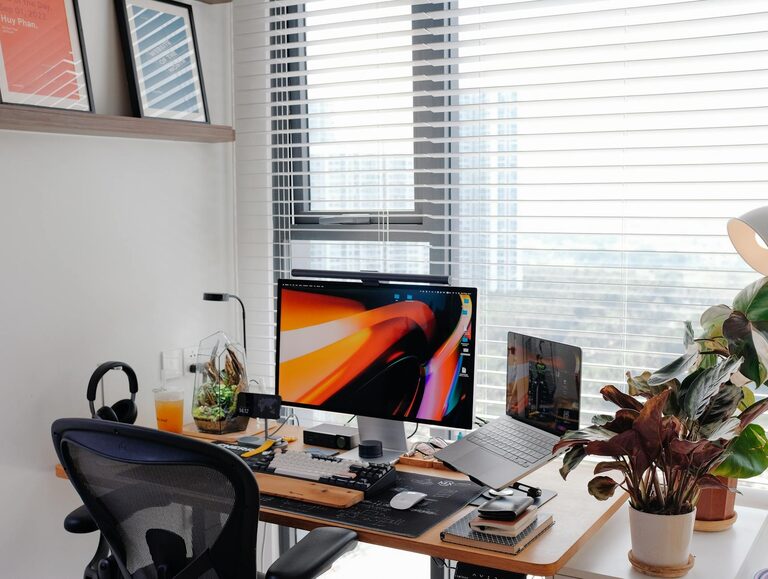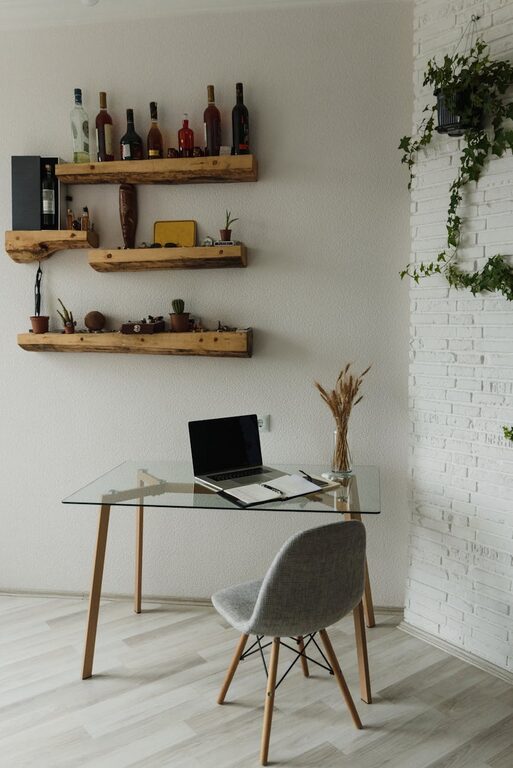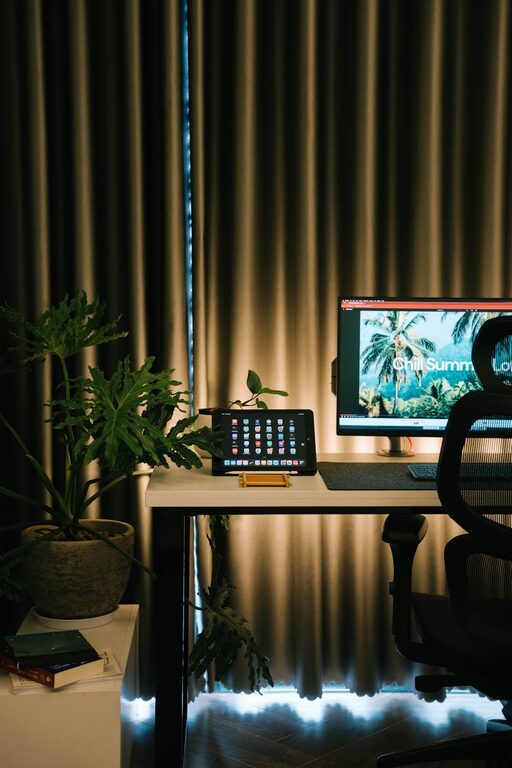




Creating a home office that is both cozy and productive can greatly enhance your work-from-home experience. Whether you have a dedicated room or a small corner, thoughtful design can make your workspace inviting and efficient. In this post, we’ll explore practical tips to help you set up a home office that supports focus, comfort, and creativity.
1. Choose the Right Location
When picking a spot for your home office, consider these factors:
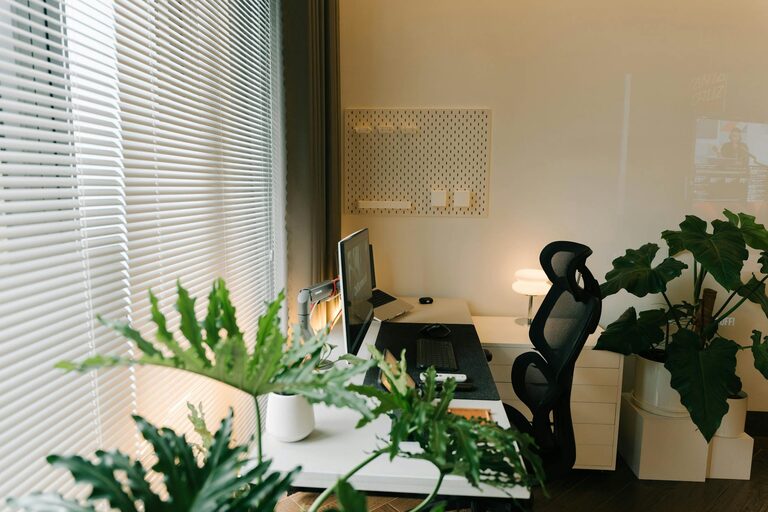
– Natural Light: Position your desk near a window to take advantage of natural light. Daylight can boost your mood and reduce eye strain.
– Quiet Environment: Find a space that minimizes distractions from household noise or foot traffic.
– Space for Essentials: Ensure there’s enough room for your computer, office supplies, and any additional equipment you need.
If space is limited, try using room dividers or creative layouts to carve out your office area.
2. Invest in Comfortable Furniture
Comfort is key for long work hours. Here are some furniture tips:
– Ergonomic Chair: Choose a chair that supports good posture, with adjustable height and lumbar support.
– Appropriate Desk: Your desk should suit your work style—whether it’s a compact table or a larger workstation.
– Footrest and Accessories: Adding a footrest or an adjustable monitor stand can improve comfort and ergonomics.
Remember, investing in quality furniture can prevent discomfort and improve productivity.
3. Optimize Lighting
Good lighting reduces eye strain and keeps you alert. Consider these lighting tips:
– Layered Lighting: Use a mix of ambient light (like ceiling fixtures), task lighting (desk lamps), and accent lighting for balance.
– Avoid Glare: Position your monitor to avoid reflections from windows or lights.
– Warm vs. Cool Light: Warm light creates a cozy atmosphere, while cool light tends to boost focus. Choose what suits your work style.
4. Organize with Functional Storage
A clutter-free workspace supports clarity and efficiency. Here’s how to keep your office organized:
– Shelves and Cabinets: Use vertical storage to save desk space.
– Desk Organizers: Keep pens, paper, and other tools within reach.
– Cable Management: Use clips or sleeves to manage cords and reduce tangles.
Regularly declutter your workspace to maintain a tidy environment.
5. Add Personal and Cozy Touches
Make your office feel inviting by incorporating elements that reflect your personality:
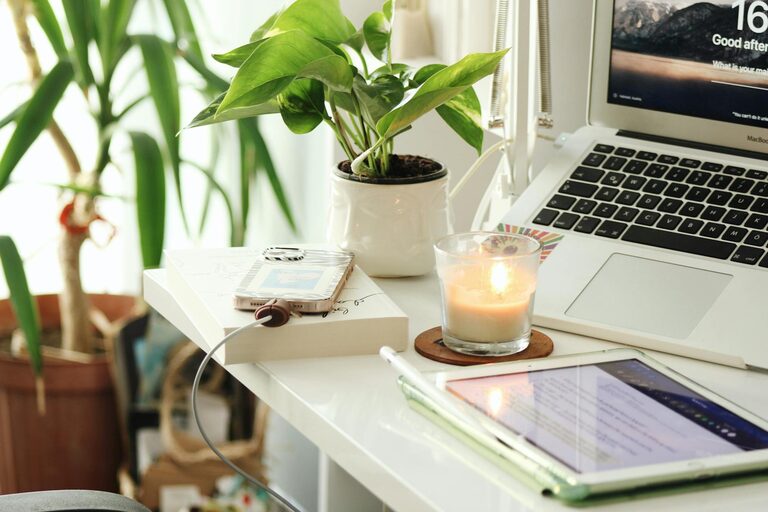
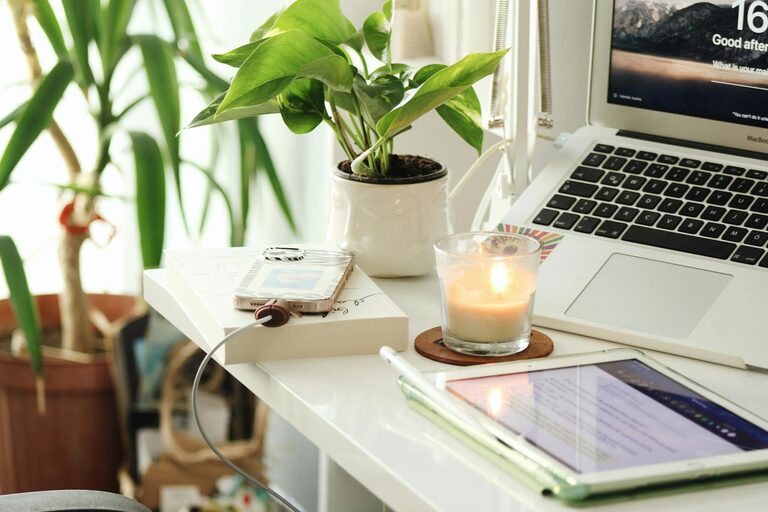
– Plants: Indoor plants improve air quality and add color.
– Artwork and Photos: Hang inspiring pictures or quotes.
– Soft Textiles: Use cushions, throws, or rugs to add warmth and texture.
Be mindful not to overcrowd the space; comfort doesn’t mean clutter.
6. Incorporate Technology Wisely
Use technology to enhance productivity without causing distractions:
– Reliable Internet: Ensure your connection is stable for video calls and online tasks.
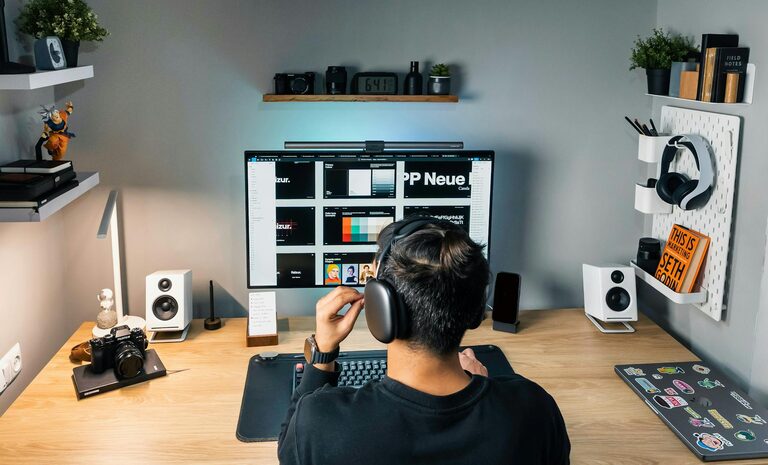
– Noise-Canceling Headphones: These can help you stay focused in noisy environments.
– Efficient Devices: Keep your computer, printer, and other devices well-maintained.
Limit notifications and create focused work sessions by controlling device use.
7. Maintain a Routine and Boundaries
A well-designed office helps you keep work and home life separate, but it’s also important to:
– Set Work Hours: Define when you start and finish work.
– Take Breaks: Step away from your desk regularly to refresh.
– Communicate Boundaries: Let family or housemates know your work schedule.
Combining a comfy space with clear routines supports productivity and well-being.
Conclusion
Designing a cozy and productive home office is about balancing comfort and functionality. By choosing the right location, investing in ergonomic furniture, optimizing lighting, organizing effectively, and adding personal touches, you can create a workspace that motivates and inspires. Remember to integrate technology thoughtfully and maintain routines that help you focus and relax. With these tips, you’ll set the stage for success while enjoying the comforts of home.