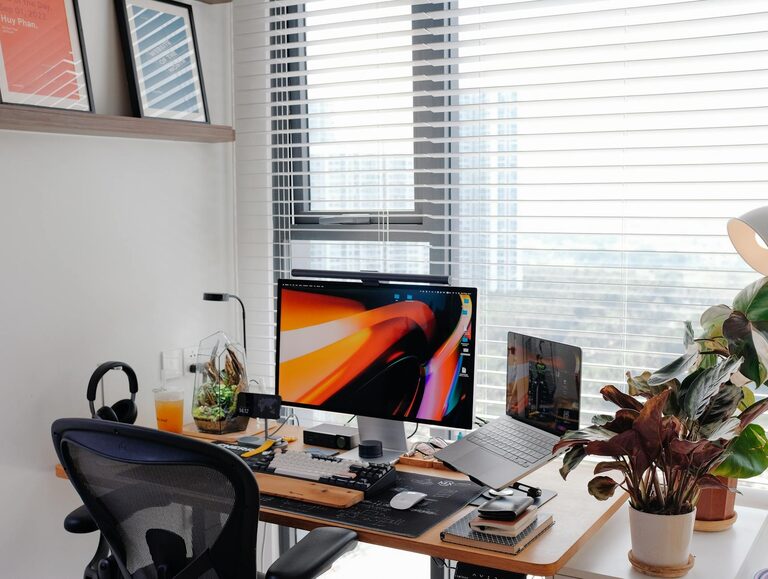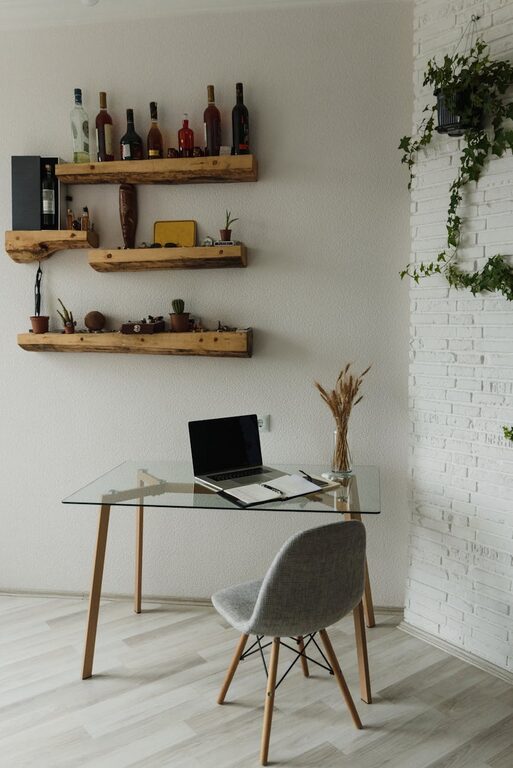
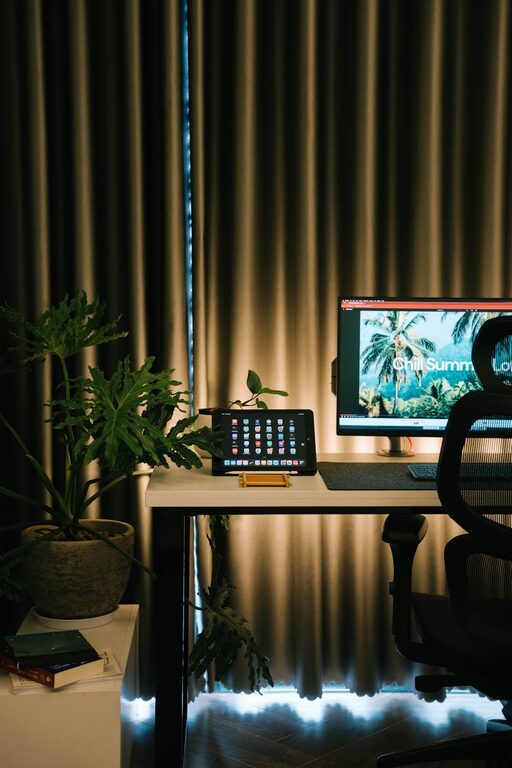

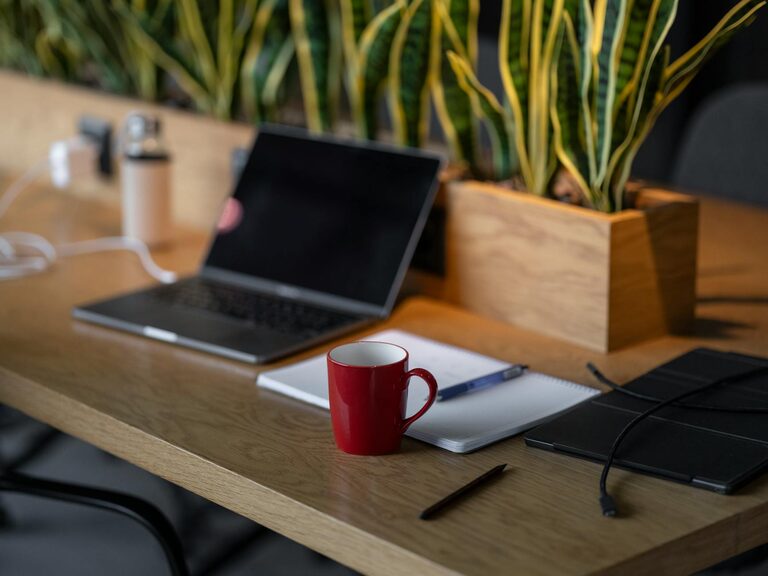
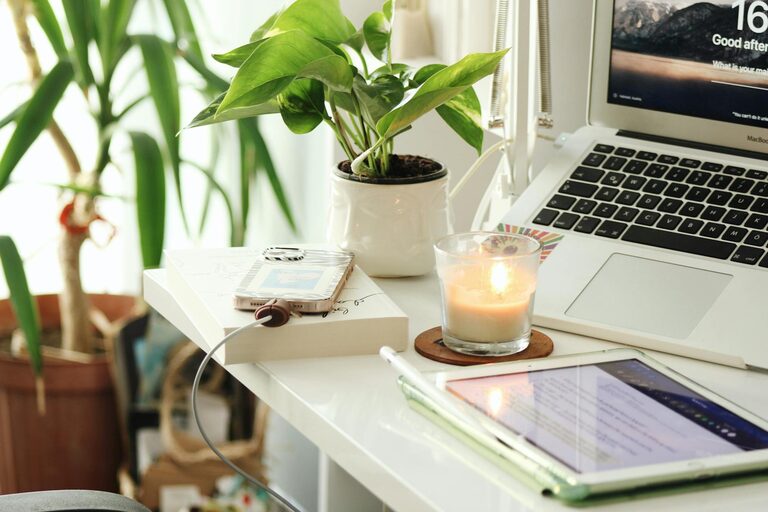
Creating a home office that feels inviting and supports productivity is essential for anyone working remotely or managing tasks at home. A well-designed space can boost your focus, reduce stress, and make your workday more enjoyable. Here are thoughtful tips to help you craft a cozy and effective home office.
Choose the Right Location
Finding the right spot in your home is the first step toward a successful home office setup.
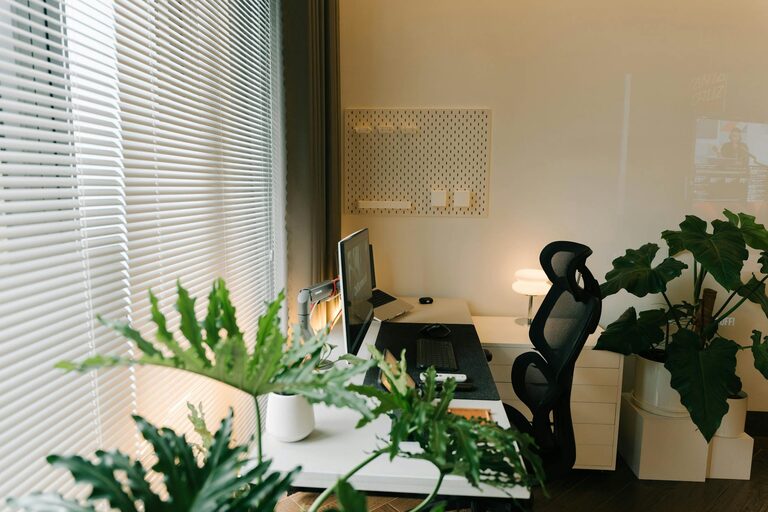
– Natural Light: Select a space with plenty of natural light. Sunlight helps improve mood and alertness.
– Quiet Area: Pick a location away from noisy appliances or busy household areas to minimize distractions.
– Space Considerations: Ensure you have enough room to accommodate your desk, chair, and any necessary equipment or supplies.
Invest in Comfortable Furniture
Comfort is key to maintaining focus during long hours of work.
– Ergonomic Chair: Choose a chair that supports your back and encourages good posture.
– Adequate Desk: Your desk should be large enough for your computer, paperwork, and other essentials without feeling cramped.
– Adjustable Features: Consider adjustable desks or chairs to customize your workspace for comfort.
Optimize Lighting
Good lighting improves your ability to work efficiently and reduces eye strain.
– Layered Lighting: Use a combination of ambient, task, and accent lighting.
– Desk Lamps: Place a desk lamp with adjustable brightness to focus light where you need it.
– Avoid Glares: Position your screen and lighting to prevent glare and shadows.
Organize Your Space
A clutter-free environment helps keep your mind clear.
– Declutter Regularly: Remove unnecessary items to maintain a tidy desk.
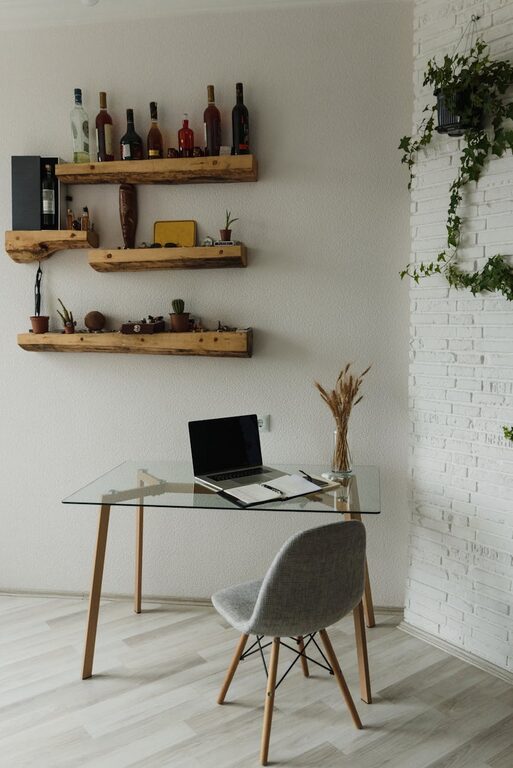
– Storage Solutions: Use shelves, drawers, or bins to store supplies neatly.
– Cable Management: Use clips or sleeves to organize cords and prevent tangling.
Personalize Your Environment
Adding personal touches makes your office feel welcoming and motivating.
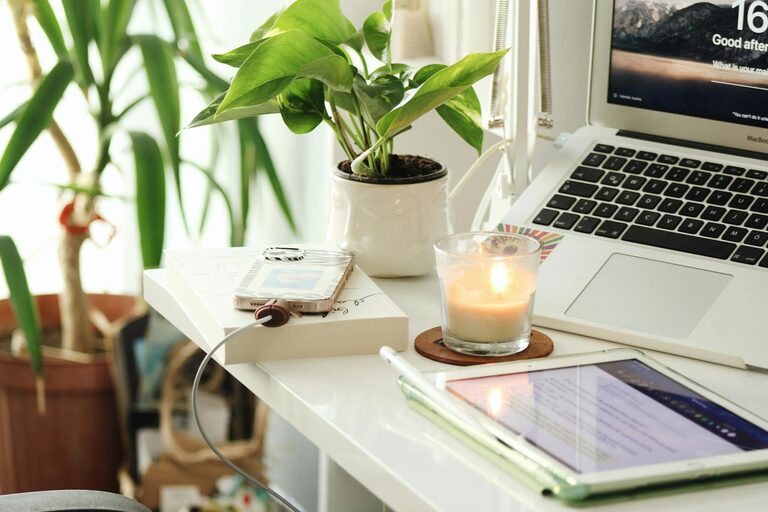
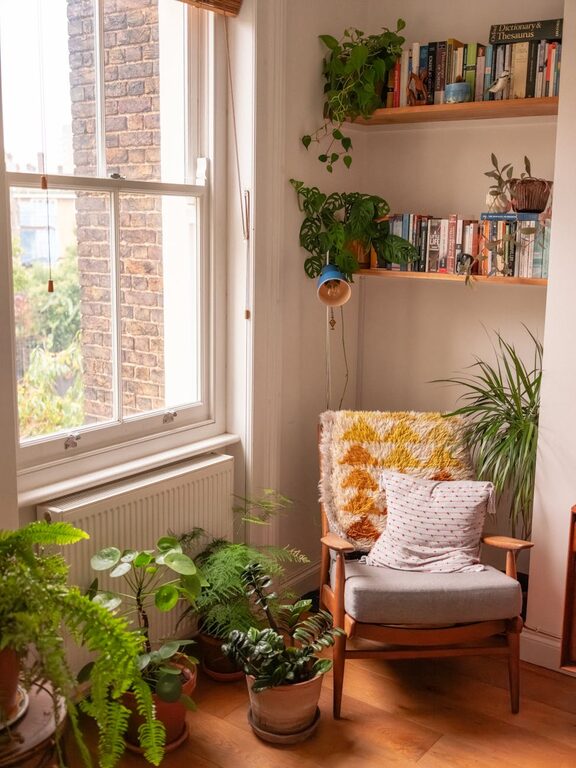
– Decorate with Plants: Indoor plants add color, improve air quality, and create a calming atmosphere.
– Artwork and Photos: Display items that inspire you or make you happy.
– Comfort Items: Incorporate cozy blankets or cushions for added warmth.
Maintain a Proper Technology Setup
Technology plays a big role in efficiency and comfort.
– Reliable Internet: Make sure your internet connection is fast and stable.
– Quality Equipment: Invest in a good monitor, keyboard, and mouse to reduce strain.
– Backup Solutions: Use cloud storage or external drives to keep your work secure.
Create Boundaries
Separating your work space helps maintain work-life balance.
– Designate Work Hours: Set clear times for work to avoid burnout.
– Physical Separation: If possible, use room dividers or close doors to signal when you are working.
– Communicate: Inform family members or roommates about your schedule to minimize interruptions.
Incorporate Ergonomic Practices
Taking care of your posture and movement is vital for long-term health.
– Take Breaks: Follow the 20-20-20 rule—every 20 minutes, look at something 20 feet away for 20 seconds.
– Stretch Often: Incorporate simple stretches during breaks to reduce tension.
– Keyboard and Mouse Position: Keep them at a comfortable height to avoid wrist strain.
Keep the Air Fresh and Temperature Comfortable
Physical comfort in your workspace contributes to productivity.
– Ventilation: Open windows or use air purifiers to improve air quality.
– Temperature Control: Use fans or heaters as needed to keep your workspace comfortable.
Final Thoughts
Designing a home office that balances comfort and productivity takes some planning but pays off well in your work experience. By focusing on location, furniture, lighting, organization, personalization, and healthy habits, you can build a space that inspires and supports your professional goals every day. Remember, your home office should be a reflection of your work style and preferences—make it truly yours!